Old Monitor Disposal in Singapore: What You Actually Need to Know
By Junk Value Team
That 24-inch LCD from 2014 sitting under your desk. The dual-monitor setup you replaced last year. The ancient VGA screen gathering dust in your storeroom because you "might use it someday."
Most small-office clear-outs aren't emergencies. commercial decommissioning support is set up for that case: planned, photo-quoted, no surprise charges.
You won't. And it's taking up space you could actually use.
In our 10+ years of clearing Singaporean homes and home offices, we've noticed a pattern: people hold onto old monitors far longer than any other piece of electronics. Keyboards get binned. Mice get tossed. But monitors? They get stacked in corners, shoved into bomb shelters, or balanced precariously on top of wardrobes — because nobody's quite sure how to get rid of them properly.
Here's the straightforward answer.
Why You Can't Just Bin an Old Monitor
Computer monitors are classified as regulated e-waste in Singapore. That's not bureaucratic noise — there's a reason. Older LCD panels contain mercury in their cold-cathode fluorescent backlights. Even newer LED-backlit monitors contain circuit boards with trace heavy metals, flame retardants, and other materials that shouldn't end up in general waste streams.
Tossing a monitor into your HDB bin chute? Physically impossible for most screens above 19 inches. Leaving it at the void deck? Your town council — whether it's Ang Mo Kio Town Council or Tanjong Pagar Town Council — treats that as illegal dumping if it's not placed at a designated bulky-item collection point on the correct day. And even then, electronics have separate routing requirements.
The short version: monitors need to go through proper recycling channels, not general waste.
The E-Waste Bin Question
Singapore has public e-waste collection bins scattered across the island. But here's what most people discover too late: these bins are designed for small electronics. Phones, cables, keyboards, portable hard drives. A 27-inch curved gaming monitor does not fit into a collection bin. Neither does a 32-inch ultrawide.
Smaller monitors — think 15 to 19 inches — might physically fit into some of the larger collection points. But you'd need to transport it there yourself, unbroken, and hope the bin isn't already full.
For anything above 20 inches, or if you have multiple units, you're looking at a pickup service.
Safe Handling: Monitors Are More Fragile Than You Think
We've seen cracked screens, shattered panels leaking liquid crystal, and scratched anti-glare coatings — all from well-intentioned DIY transport attempts. A few things to keep in mind:
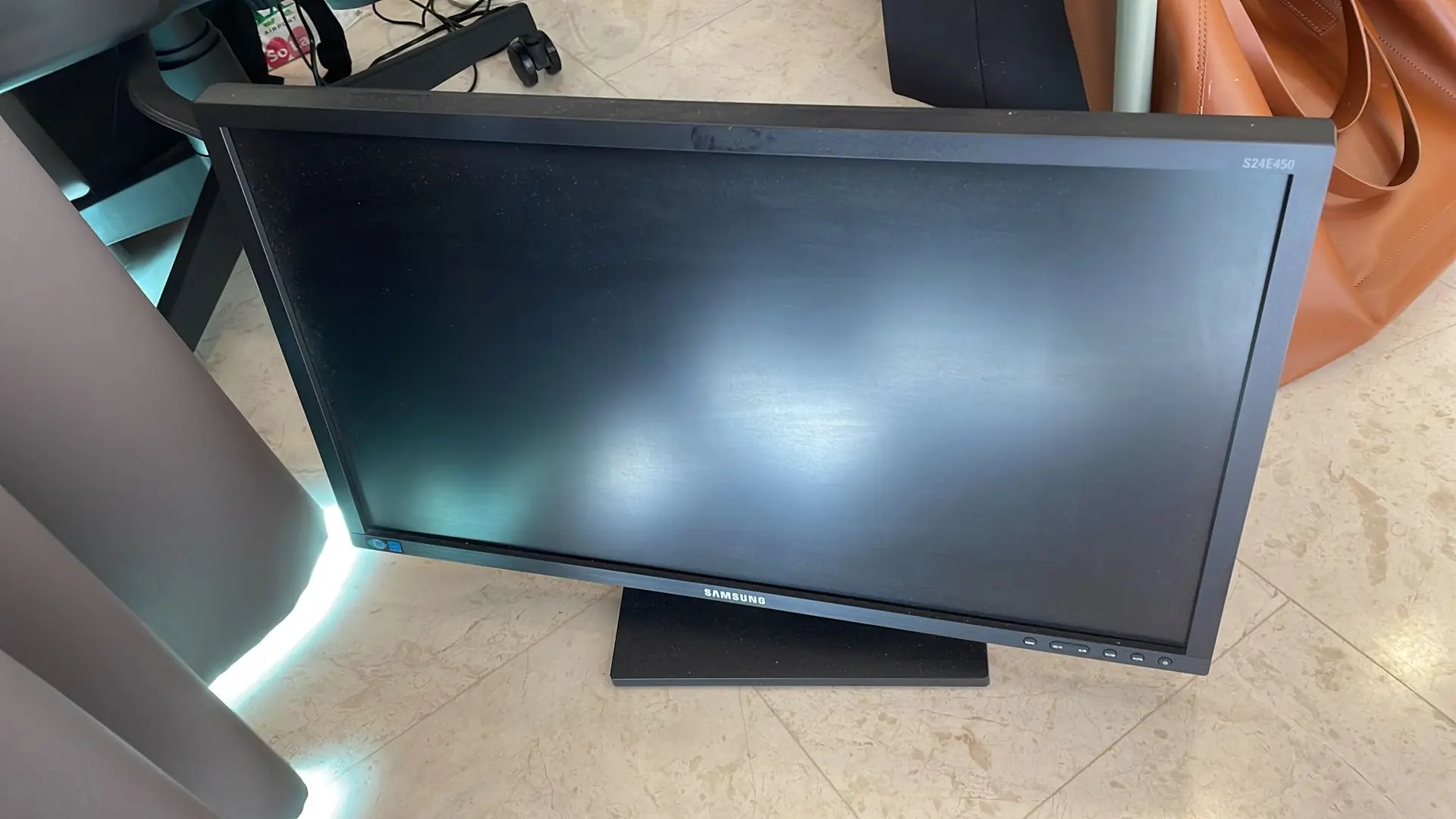
Don't stack monitors face-to-face without padding. The panel surface scratches easily, and pressure on LCD glass causes irreversible damage. If you're gathering multiple monitors for pickup, face them the same direction with cardboard or cloth between them.
Older CRT monitors are genuinely heavy. If you still have one of those 17-inch CRT beasts from the early 2000s (we still encounter them in older HDB flats), they weigh 15–20kg and contain a vacuum tube that can implode if cracked. Don't carry these down stairs alone.
Wrap power cables loosely around the stand. Dangling cables catch on doorframes, railings, and lift doors. We've seen a monitor pulled off a trolley by its own trailing cable.
HDB vs Condo: The Logistics Differ
HDB flats: You're working with standard passenger lifts and narrow corridors. Most monitors — even large ones — fit through without issue. The challenge is usually vertical: if you're in a walk-up block (no lift), carrying a 32-inch monitor down four or five flights of stairs is awkward and risky. Surcharges may apply for walk-up buildings — confirmed at quote stage.
Condos: Rules differ per building. Some MCSTs require you to book the service lift for any item removal, even something as compact as a monitor. Others don't care as long as you use the service entrance. The owner or tenant must request permission from their building management ahead of the pickup — that's not something we handle on your behalf. If your MCST requires lift padding, that's arranged directly with your management.
Common Mistakes We See
Mistake 1: Waiting until renovation day. Your contractor arrives, your flat is chaos, and suddenly you remember the three monitors in the study need to go. Now you're competing with renovation debris for disposal slots. Clear electronics before the renovation starts.
Mistake 2: Removing the stand "to save space." If you've already detached the stand, keep it with the monitor. Stands without screens and screens without stands both become harder to handle and route properly.
Mistake 3: Assuming one monitor isn't worth a pickup. It's true — if you only have a single small monitor, a public e-waste bin might work. But if you have a monitor plus a printer, old keyboard, tangled cables, and a dead UPS unit? That's a pickup. Most home offices accumulate more e-waste than people realise until they actually gather it in one spot.
Bulk Monitor Disposal: The Home Office Purge
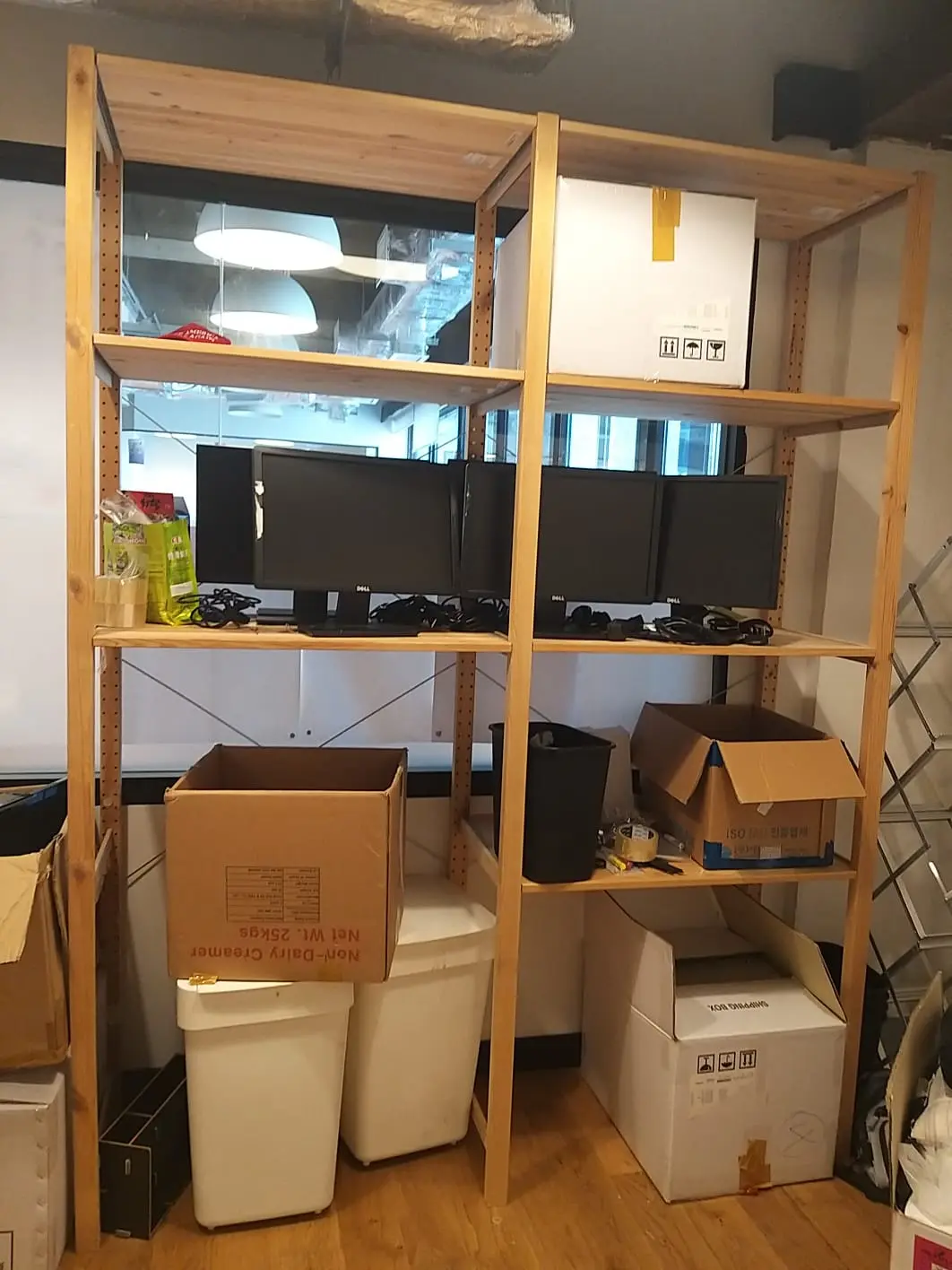
Remote workers who've cycled through multiple setups over the years often have two, three, even five old monitors stored away. We've cleared home offices where the client had accumulated screens across a decade of upgrades — each one "too good to throw away" at the time, now collectively worth nothing but taking up an entire closet.
For bulk pickups, we route reusable items into second-hand channels where possible. Screens that still power on and display cleanly have a better chance of being reused. Dead panels go through proper recycling channels via licensed intermediaries. Either way, they leave your home — that's the point.
Mini-FAQ
Q: Can I put a monitor out for town council bulky-item collection? You can try, but town councils require items to be dismantled first, and electronics have separate handling requirements. A whole monitor left at the void deck may simply not be collected — or worse, attract a fine for improper disposal.
Q: Is there a charge difference between one monitor and five? Volume affects the quote, yes. But five monitors stacked neatly in one room is often simpler than a single monitor on the fifth floor of a walk-up. We quote based on photos — send us what you've got and we'll confirm.
Q: Do you take the cables, stands, and mounting arms too? Yes. Peripherals, VESA mounts, cable bundles — all of it goes. No need to separate components beforehand.
Ready to Clear Those Screens?
Stop letting dead monitors occupy prime shelf space. Our TV and monitor disposal service routes every screen through proper e-waste channels. Send us a photo of what you need gone — one screen or a dozen — and we'll get back to you with a straightforward quote.
WhatsApp us at 9888 1292 for a free quote. Just snap a photo showing the monitors and any other electronics you want cleared. It's fast. It's clean. It's done.